A Garmin Radar Dome Swap That Won't Power On Is Almost Always the Cable, Not the Dome
Why swapping an 18-inch Garmin dome for a 24-inch one and losing power points to the fuse or power connection first, not a bad new unit.
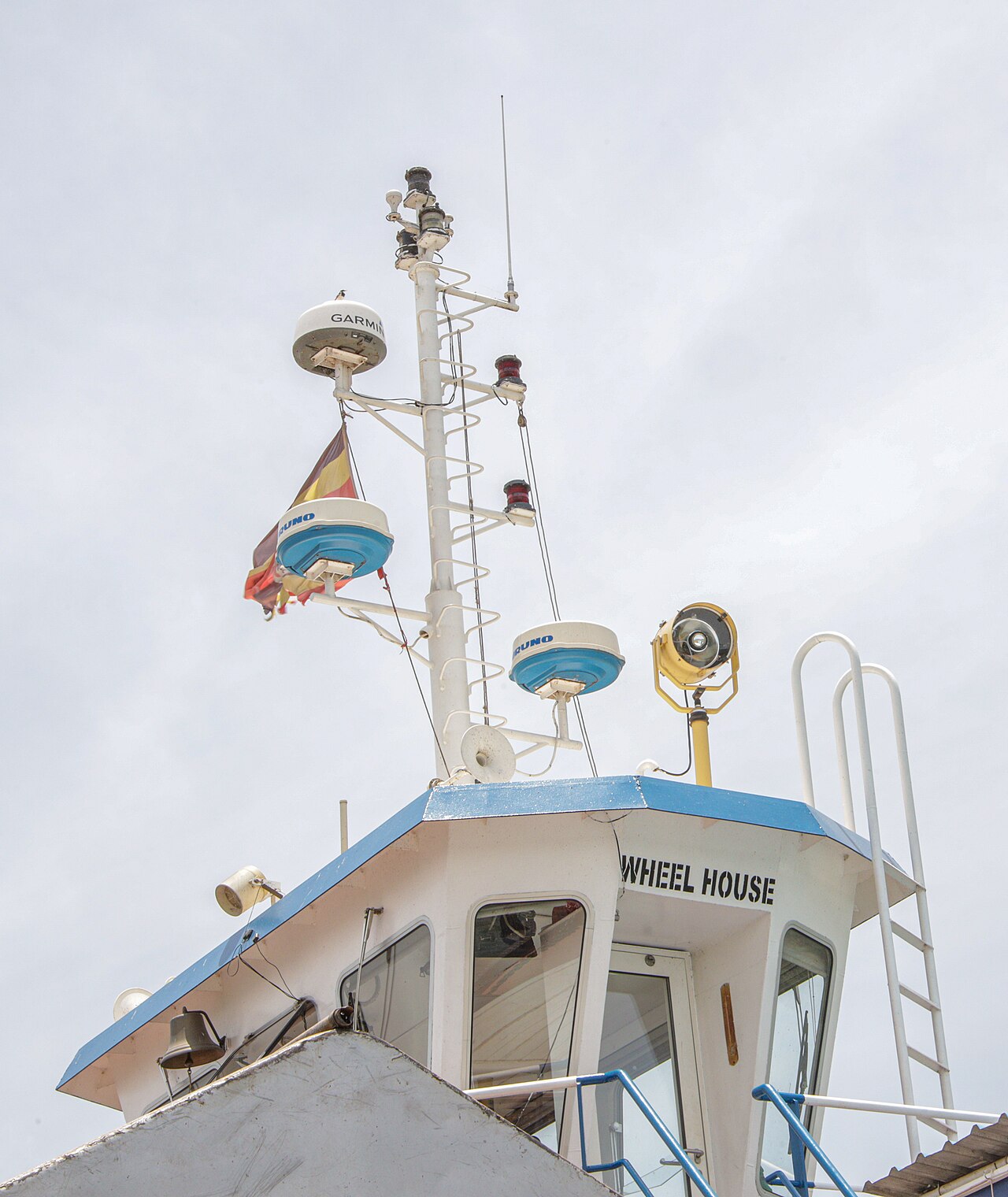
A boat owner found out his builder had installed an 18-inch radar dome when he’d ordered a 24-inch one. He disconnected the two cables from the wrong dome, connected the 24-inch one he’d actually paid for, and it wouldn’t power on at all. Eleven replies came in: check for 12 volts, check the fuse, isolate the network cable. The thread just stopped after the last suggestion to test in isolation, with nobody ever confirming what fixed it.
Garmin’s own support documentation is more direct than anything in that thread. Its official radar troubleshooting guidance opens with exactly this scenario: “With the radar turned off, check the fuse in the power cable. If the fuse has blown, replace it.” That’s step one, stated plainly, before anything about signal, network configuration, or the dome itself.
The 18-inch and 24-inch domes in this family aren’t different enough electrically to explain a clean no-power result on their own. Garmin markets the two sizes against each other mainly on beamwidth, a 5.2-degree horizontal spread on the 18-inch versus a narrower 3.7 degrees on the 24-inch, a target-separation and resolution difference rather than a wiring one, so the swap itself shouldn’t have demanded different cabling. That points a clean no-power result at something disturbed during the physical re-termination: a power lead not fully seated, a reversed connection, a fuse popped by a momentary miswire, or a network cable not clicked in at one end.
Garmin’s radar units carry a status LED right next to the power and network cable that narrows the search before a multimeter ever comes out. No light at all means power genuinely isn’t reaching the unit. A red blinking LED signals the radar has detected its own internal fault and needs Garmin support directly rather than more cable-chasing. A steady green blink is normal operation, and orange means a software update is mid-process, not a failure at all. Anyone in that original thread checking the LED color first would have known within seconds whether they were even looking at a power problem.
Garmin’s own documentation also specifies what “check the fuse” actually means in practice: most GMR radars run a 15A slow-blow fuse inline on the power cable’s red wire, though open-array radars with a separate voltage converter box can call for a 30A slow-blow fuse instead, so confirming the fuse rating against the specific radar’s install manual matters before assuming any replacement fuse is correct. A fuse that looks intact can still be blown internally, which is why Garmin’s guidance recommends testing it with a multimeter set to continuity rather than trusting a visual check alone.
A sequence that would have actually closed the original thread: read the status LED first, since its color alone rules out or confirms a power issue before any tool comes out. Check the in-line fuse next with a continuity test rather than a glance, since Garmin’s own documentation calls it out before anything else electrical. Confirm 12 volts is actually present at the connector with a meter, rather than assuming the source circuit upstream is fine because the old dome worked. Then reseat the network cable fully at both ends and let the MFD rescan for the device, since a straight swap sometimes needs the display to detect the replacement as new hardware before it shows up at all.